

tmGroup integration for InTouch
Order tmGroup searches directly from InTouch matters
Start tmGroup searches from the matter in InTouch via tmConvey or CDS Quick Search Order. Details prefill automatically, you track status in-case, and results file back to the same matter.
Why firms choose tmGroup
Used by conveyancers and property professionals
InfoTrack supports over half the conveyancing market, with around 25,000 users across England and Wales relying on it each day.
Mapping and property data before you order
Mapping and data tools help you outline the property and review key details before placing searches, especially useful on more complex sites.
Over 400 property searches in one place
With tmConvey you can access 400+ property searches from a wide range of suppliers, so you can choose what each matter needs without juggling multiple portals.
Templates and ordering tools
tmGroup supports templates and structured ordering to help teams request the right bundle consistently.
Digital post-completion support
Digital post-completion tools, including SDLT and AP1 support, help you manage later stages of a transaction in the same platform.
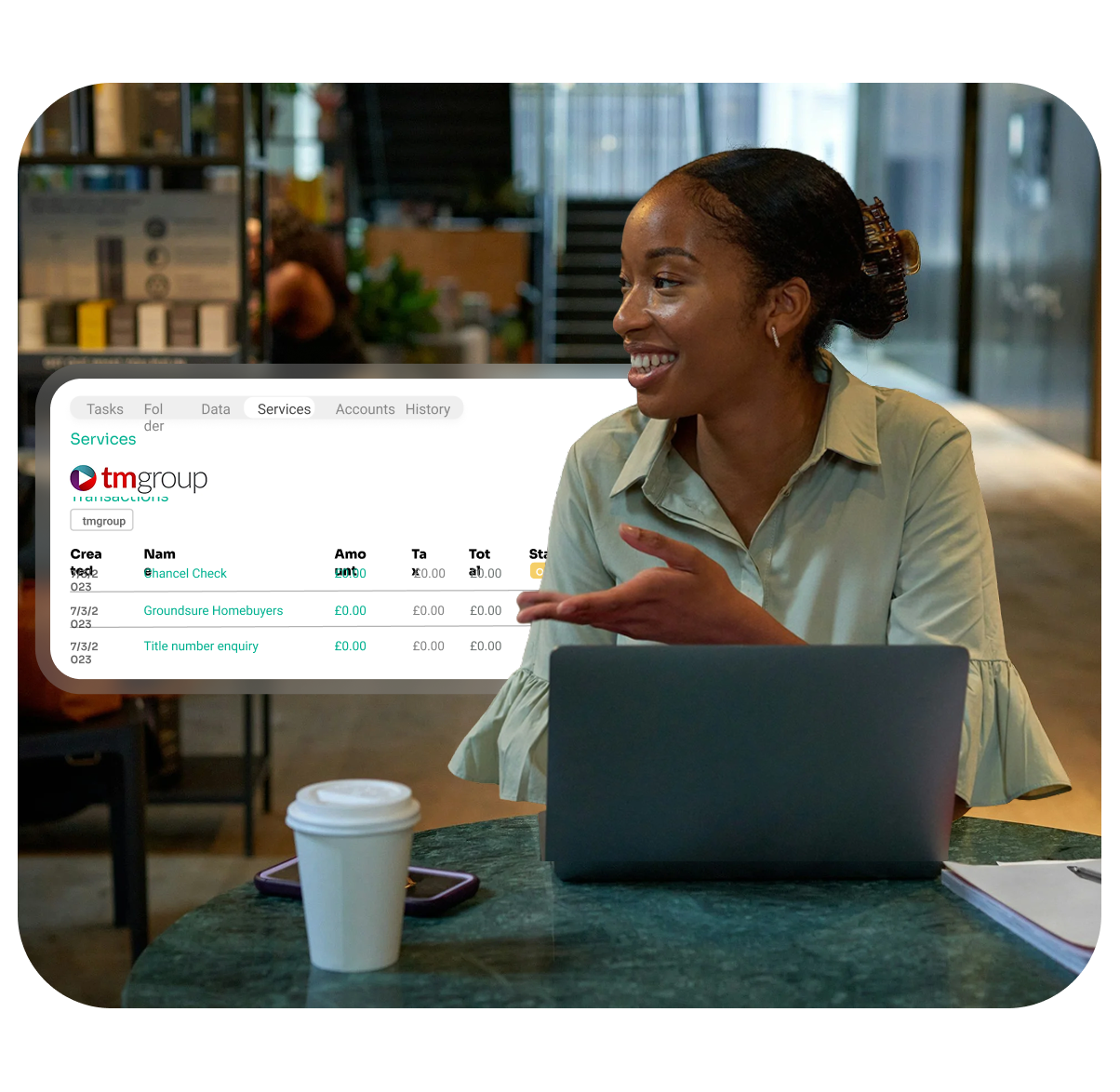
Turn tmGroup searches into a single simple process
-
Open the file in InTouch and choose tmGroup. Pick whether you want to use tmConvey or CDS Quick Search Order. InTouch passes the relevant case details across so you can place the order without retyping.
-
Check what’s been ordered, what’s in progress, and what’s complete from inside InTouch. It’s easier to see which matters are still waiting on search results without switching between systems.
-
When tmGroup returns results, the documents are recorded against the same matter in InTouch. That reduces manual downloading, saving and uploading.
-
If you use InTouch for costs/accounts and choose to enable it, tmGroup fees can be posted back to your selected disbursement or ledger codes based on your configuration.
-
Through tmConvey and CDS Quick Search Order, you can access a broad range of conveyancing searches from multiple providers while keeping the order, status and results linked to the InTouch matter.
Common search categories include:
Local authority (land charges) searches
Mining / ground stability searches
Energy & infrastructure searches (Plus hundreds more available via tmConvey.)

“Working on delivering integration solutions for our clients is a key focus for us as we continue to look to streamline the property transaction, we are really excited to offer both our tmgroup and CDS clients the ability to integrate with InTouch.”
Jonathan Stebbings, Commercial Director for tmgroup

Switching to InTouch? Keep using tmGroup
If your team already uses tmGroup, you can connect it to InTouch and place tmConvey or CDS Quick Search Order requests from within new InTouch matters.
Keep using tmConvey or CDS Quick Search Order
Place searches from inside InTouch matters instead of working in a separate portal
Any older search results you want in InTouch can be added using your usual document upload process

APIs and webhooks to connect anything else
Need something more specific? Enterprise customers can use our API and webhooks to connect InTouch to other systems and automate steps around key matter events, without extra admin.
For example:
When searches are ordered or results arrive, create a task, notify the fee earner, and send a short client update.
When status changes or results are received, post an alert to Teams/Slack and trigger your internal checklist.
When a matter hits milestones (ordered, received, ready to exchange, completed), update your CRM or pipeline stage automatically.
FAQs About InTouch & tmGroup’s Integration
Can I order tmGroup property searches from an InTouch matter using tmConvey or CDS Quick Search Order QSO?
Yes, you can order tmGroup property searches from inside an InTouch matter using tmConvey or CDS Quick Search Order QSO.
Where do tmGroup search results show up in InTouch, and how are the files named and time stamped?
tmGroup search results show up on the matter in InTouch, typically in Services and the document area, with clear file names and time stamps.
How do we set up the tmGroup integration in InTouch, and do we need an existing tmGroup, tmConvey, or QSO account?
Setup is a one time connection and configuration in InTouch, and you will usually need an active tmGroup account for tmConvey or QSO.
Can I see tmGroup search order status in InTouch, including ordered, in progress, and complete?
Yes, you can see tmGroup search order status in InTouch, including ordered, in progress, and complete.
Does InTouch keep an audit trail for tmGroup orders, including who ordered and when results were updated?
Yes, InTouch keeps an audit trail for tmGroup orders, including who ordered and when status or results were updated.
Do tmGroup search results automatically come back and save to the right InTouch matter?
Yes, tmGroup search results automatically come back and save to the right InTouch matter.
If enabled, can tmGroup search fees post back to the matter automatically in InTouch?
Yes, if enabled and configured, tmGroup search fees can post back to the matter automatically in InTouch.