
InTouch Integrations
Connect every detail to your InTouch matters
Create your own case management Swiss Army Knife.
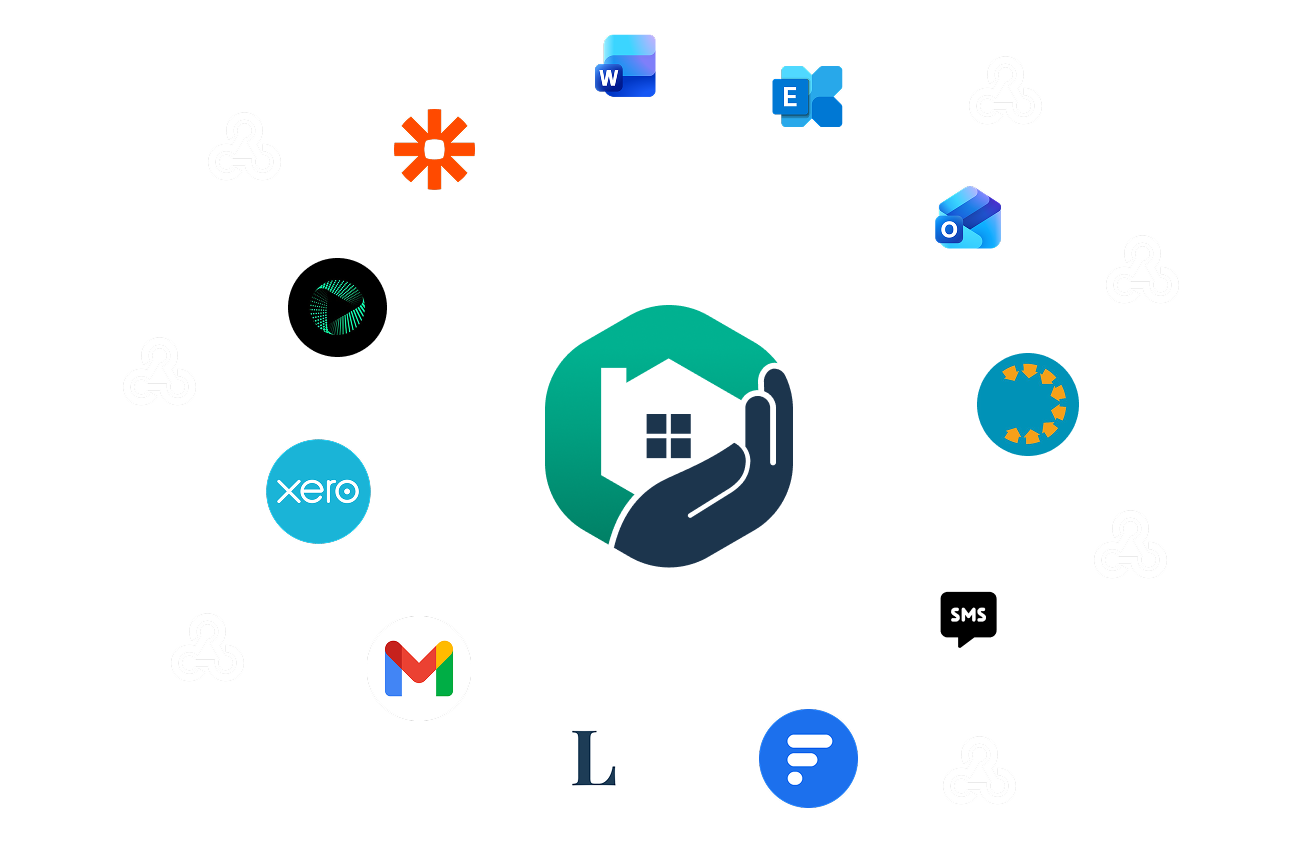
Connect searches, AML, Source of Funds, accounting, enquiries and Microsoft tools to matters. Reduce duplicate effort and give your team a reliable, unified view.
Our Integrations
-
![]()
Microsoft Word
Save Word documents to the right case and folder, keeping templates, drafts and final versions on file, searchable, and easy to find later.
-
![]()
Microsoft Outlook
File Outlook emails and attachments to the right case, keeping key instructions and decisions on file and the full correspondence visible to the whole team.
-
![]()
Xero
Run client accounting in InTouch, with Xero managing bank reconciliation and back-end accounting without switching systems.
-
![]()
tmGroup
Order searches through tmConvey or CDS Quick Search Order, with prefilled details, visible status, filed results, and optional fee posting.
-
![]()
InfoTrack
Submit Land Registry and Land Tax steps through InfoTrack, with details prefilled, confirmations saved back to the matter, and less retyping when filing.
-
![]()
Thirdfort
Request digital ID, AML and Source of Funds checks from the matter, track progress in InTouch, and keep final reports saved for compliance.
-
![]()
Legalito
Manage pre-contract enquiries in one shared workflow, reuse answers and precedents to cut repeat drafting, and keep Word-based replies organised on the file.
-
![]()
The Search Bureau
Order residential and commercial searches, track status, and cover local authority, water and drainage, and environmental searches.
-
![]()
Power Automate
Power Automate builds “if this happens, then do that” workflows between apps, connecting InTouch with Microsoft 365 through webhooks and smart triggers.
-
![]()
Post Complete
Send matters to Post Complete for SDLT calculation, client contact and submission, with a PI-backed certificate returned to the matter file.
-
![]()
Armalytix
Run Source of Funds and Wealth checks through Armalytix, collecting client financial data and evidence and returning clear, analysed reports to the matter.









The sky’s the limit with cloud-based APIs and webhooks
Need something specific? Premium and Enterprise customers can use our API and webhooks to connect InTouch to other systems and automate steps around key matter events.
For example:
When searches are ordered, checks are completed, or enquiries are returned, create the next task and notify the right person
When a matter hits milestones, update your CRM or pipeline stage and post an internal Teams or Slack alert
When a bill is raised or paid, trigger your internal checklist and keep reporting up to date
Order property searches in a few clicks
For conveyancing matters, InTouch connects to a wide range of search providers through our API. You can place orders without leaving the matter and keep everything in one place.
Using our client accounts solution? Incurred search fees are posted to the matter for you. You can also run AML and KYC checks via integrated providers
Order searches with only a few clicks, straight from the file
InTouch sends the data to the provider for you, pre-populating the required fields
Completed results are posted back to the matter automatically
Track search status inside InTouch from “ordered” to “completed”

All your client communications in one connected place
InTouch keeps client communication tied to matters so your team can see what’s been sent, what’s been received, and what’s still outstanding.
Send and receive emails on the matter using your own account via Gmail or Microsoft Exchange
Send and receive SMS within the InTouch interface
Share documents, updates, and requests through the client and stakeholder portal
Mobile apps make it easier for clients and stakeholders to stay up to date
FAQs
-
InTouch integrates with tmGroup for searches, InfoTrack for searches and Land Registry and Land Tax steps, Thirdfort for ID, AML and Source of Funds checks, Xero for business accounting needs and compliance, and Legalito for pre-contract enquiries.
-
Yes, you can start tmGroup searches from the matter via tmConvey or CDS Quick Search Order, with details prefilled, status visible, and results filed back to the matter.
-
Yes, InTouch integrates with InfoTrack so you can submit Land Registry and Land Tax steps with matter details prefilled and a clear record kept on the matter.
-
Yes. You can use your Microsoft Exchange account to send and receive emails on the case so messages stay filed on the right matter for the team to see.
-
Yes, you can request Thirdfort checks from the matter, track progress, and keep the final reports saved back to the right file.
-
Yes, invoices raised on the matter can sync to Xero, and payment updates in Xero can sync back to InTouch to keep the matter balance up to date.
-
Yes. The Outlook add-in lets you file emails and attachments to the right case without leaving Outlook.
-
Yes. The Word add-in lets you save documents straight to the right case and folder location from inside Word.