
Case Management Client Portals
Client Portals for any practice area
InTouch helps growing law firms organize, build, and track legal case progress efficiently, intelligently, and collaboratively. The Client Portal extends that clarity to your clients—without extra admin for your team.
Cut admin time: Updates publish automatically from your normal case actions.
Lower call volume: Clients see status in real time, so “just checking in” calls drop.
Happier clients: Regular, plain‑English updates build trust and confidence.
Fewer errors: One source of truth for tasks, documents, and dates.


Win five‑star reviews with clear updates
When clients understand each step of their case, they feel secure and satisfied. That confidence turns into better reviews and more referrals. Transparent communication builds trust, and trust is the foundation of a five‑star service.

Show every step
Give clients access to the information that proves progress. Instead of feeling like observers, they see what you are doing and why it matters. With InTouch, each task is visible and explained, with regular updates that highlight the value you deliver at every stage.
Clients see:
A checklist of what is done and what is next
Time-stamped activity as work happens
Key documents and dates in one place
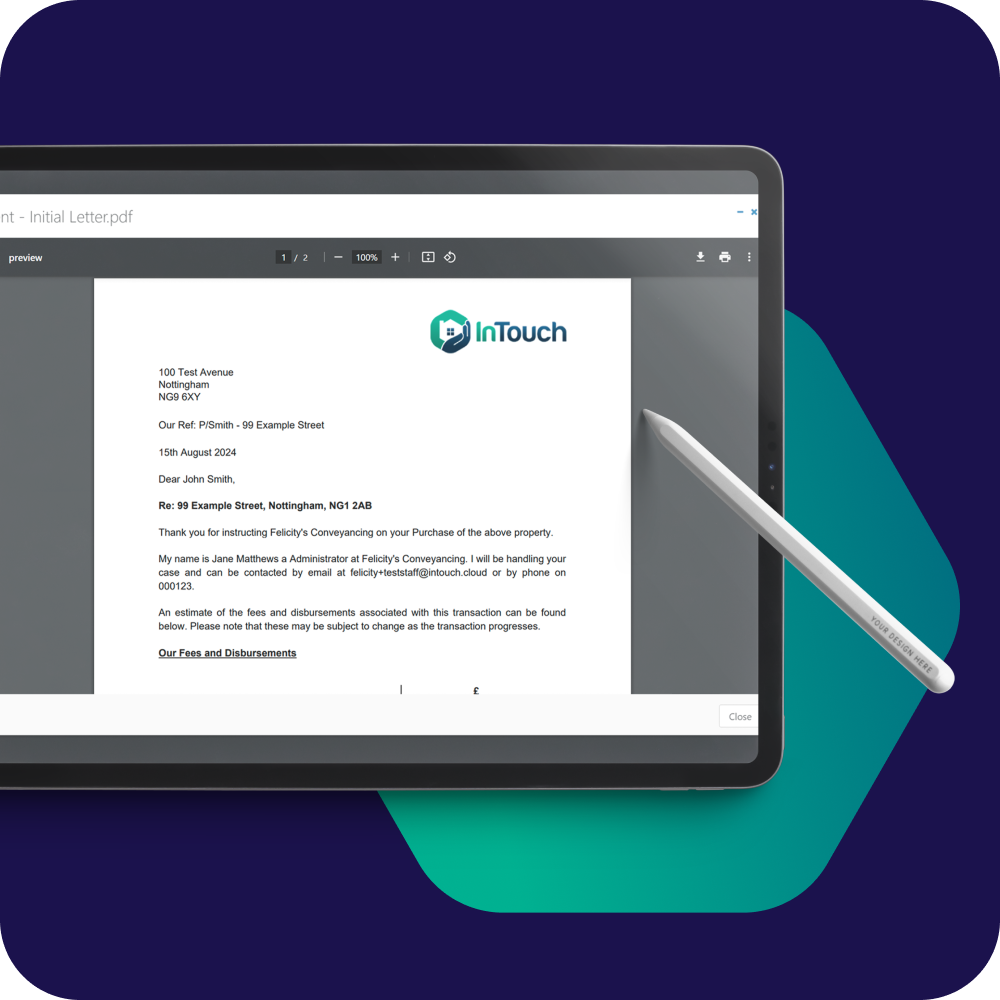
Regular updates without extra work
Good lawyers are busy lawyers. The portal works with your case workflow so updates publish as you complete tasks. There is no separate system to maintain and no extra boxes to tick. Your team communicates more often while keeping their focus on the case.
For your team:
Updates post automatically from your case actions
Messages send from the matter without switching tools
Simple templates for routine client notes you send often

Transparency that stops progress chasing
Clients chase progress when they can’t see it.
Consistent, detailed updates in the portal show that their case is being managed. Visibility reduces anxiety and cuts down on “just checking in” calls, so your team can keep moving the work forward.

Security & control
Your policies, your controls. Simple for clients, safe for your firm.
Client‑specific access tied to the matter
Configurable visibility for checklists, notes, and documents
Time‑stamped activity trail for accountability
Easy access management when team members or client contacts change
FAQs
Do clients need training?
No. Clients receive a clean dashboard with clear, plain-English updates and next steps.
Can we control what clients see?
Yes. You decide which tasks, documents, and notes are visible per matter.
How do updates get into the portal?
Automatically from your case workflow in InTouch. When you complete a task or add a note, the portal reflects it.
Can we message clients from InTouch?
Yes. Send and view messages in the matter; the conversation is visible in the portal.
Will this create more admin for the team?
No. Your existing InTouch actions power the portal. No duplicate entry.
How fast can we start?
Invite clients from live matters immediately; roll out firm‑wide as you’re ready.
Ready to talk?
Book a demo with our team.
In this session, we'll talk through your case manangement process, and show you how firms just like yours are using InTouch to run matters efficiently and intelligently.